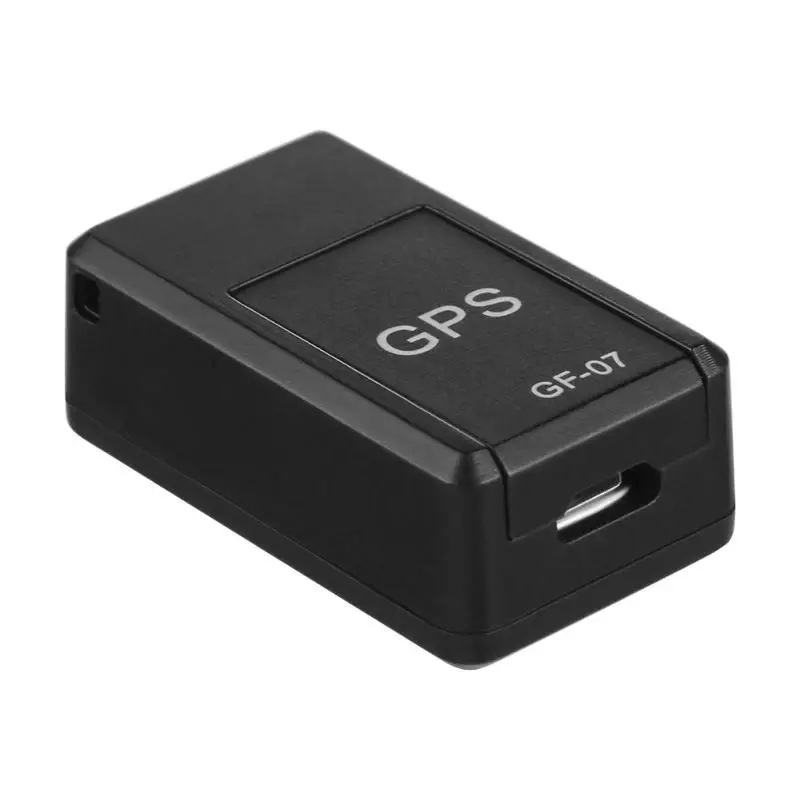
Автомобильный GPS-трекер 3G LK209C GPS-локатор 240 дней в режиме ожидания 20000 мАч
6 806,80 руб.

Новое поступление
Характеристики
*Текущая стоимость уже могла изменится. Что бы узнать актуальную цену и проверить наличие товара, нажмите "Добавить в корзину"
| Месяц | Минимальная цена | Макс. стоимость | Цена |
|---|---|---|---|
| Jul-24-2026 | 0.38 руб. | 0.46 руб. | 0 руб. |
| Jun-24-2026 | 0.13 руб. | 0.67 руб. | 0 руб. |
| May-24-2026 | 0.17 руб. | 0.67 руб. | 0 руб. |
| Apr-24-2026 | 0.88 руб. | 0.82 руб. | 0 руб. |
| Mar-24-2026 | 0.52 руб. | 0.26 руб. | 0 руб. |
| Feb-24-2026 | 0.53 руб. | 0.3 руб. | 0 руб. |
| Jan-24-2026 | 0.85 руб. | 0.52 руб. | 0 руб. |
| Dec-24-2025 | 0.65 руб. | 0.28 руб. | 0 руб. |
| Nov-24-2025 | 0.36 руб. | 0.15 руб. | 0 руб. |
Описание товара
Quad-Band GPS Vehicle&person location MINI tracker MT-70 Realtime tracking

The device has the following features and functions:
Data of car gps tracker :

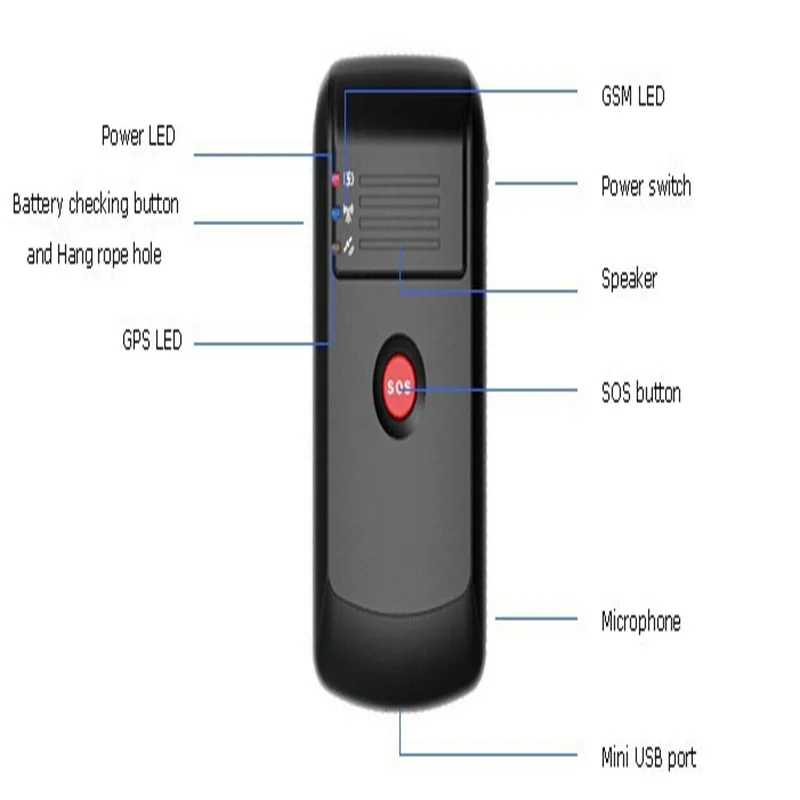
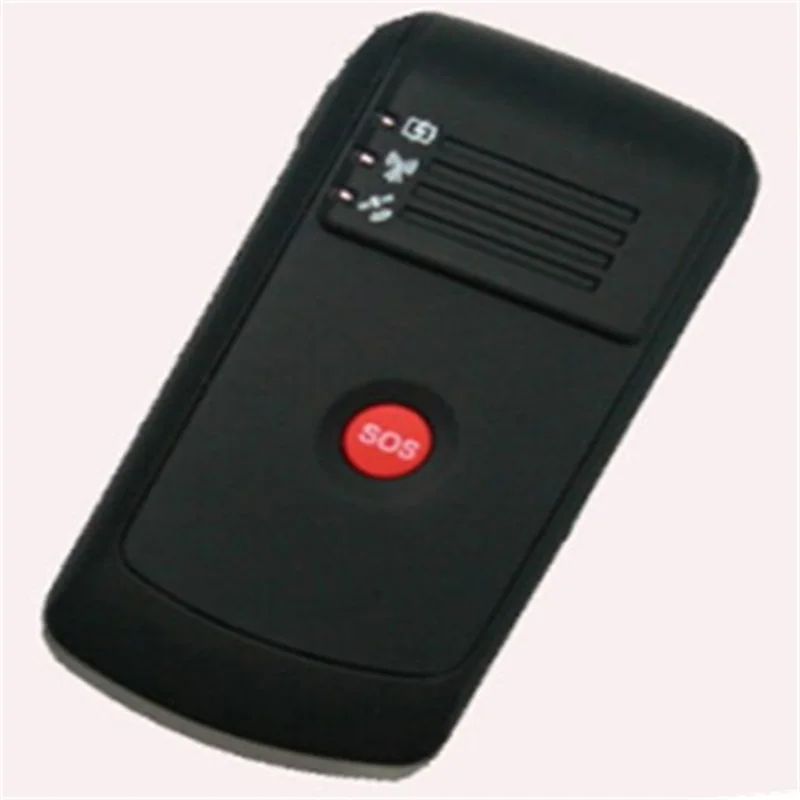
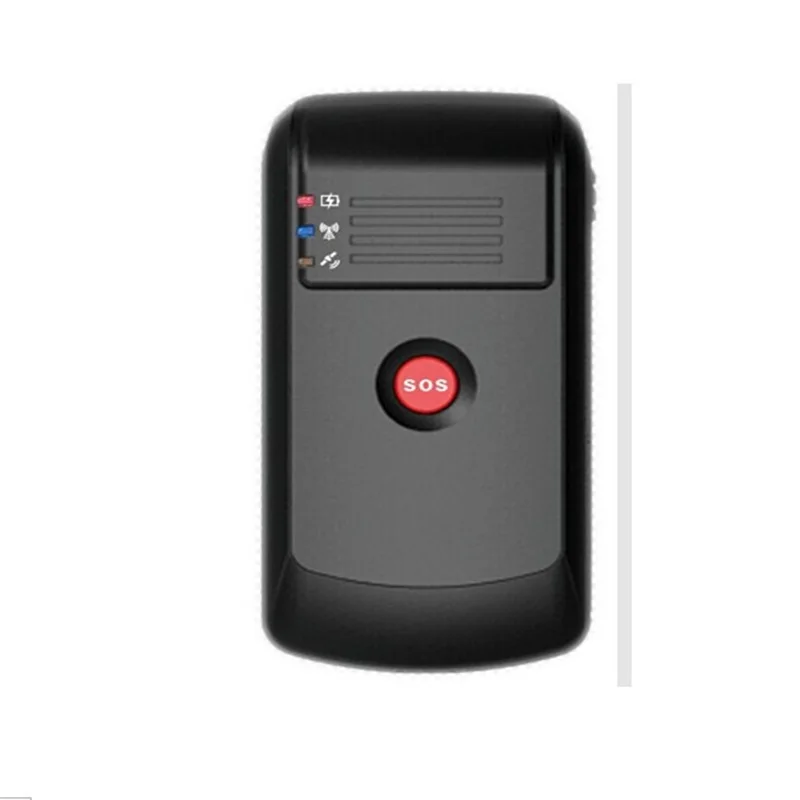
| Red – Power indication | ||
| Always On | Power charging | |
| Always OFF | Power charging completed or no connection | |
| Blue – GSM indication | ||
| 0.3S On and 0.3S Off | GSM module is initializing or calling in | |
| Always On | GSM module cannot be registered | |
| 1S On and 3S Off | GSM module is registered | |
| 0.1S On and 3 S Off | GSM module is registered network and GPRS function works well | |
| Always Off | GSM in power save mode | |
| Yellow – GPS indication | ||
| 0.3S On and 0.3S Off | GPS module is initializing or waiting for the SOS button press to confirm the calling in number as the authorization number | |
| Always On | While Pressing Button | |
| 1S On and 3S Off | GPS module is working but hasn't fixed position | |
| 0.1S On and 3S Off | GPS module is working and fixed position | |
| Always Off | GPS module is not working | |
| Buzzer | ||
| Getting 2 times beep sound | Press for 3 seconds on SOS button or press for 5 seconds on battery checking button | |
| Getting 5 times beep sound | Low battery | |
| Vibration motor (built-in) | ||
| Vibration motor is shaking twice | Press for 3 seconds on SOS button or press for 5 seconds on battery checking button or low battery | |
| Switch | ||
| Power switch | Turn on /off tracker | |
| Buttons | ||
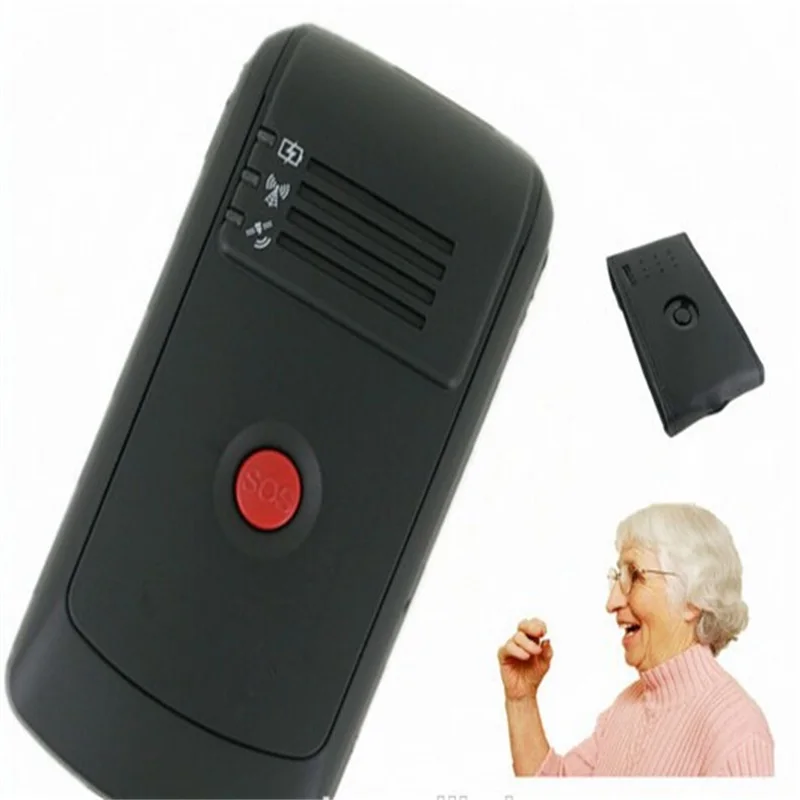
| SOS Button | Press SOS button for 3 seconds so tracker will send an emergency message to the authorized number and dial the authorized number | |
| Battery Checking Button | Press this button and if all the lights are on, means tracker has full battery; or if there only one(just the yellow light) is on, said the tracker’s power less than 15%(low battery) | |
| Others | ||
| Mini USB port | Charging, software upgrade and setup parameter by computer | |
| Hang rope hole | Wear a hang rope | |
Picture:


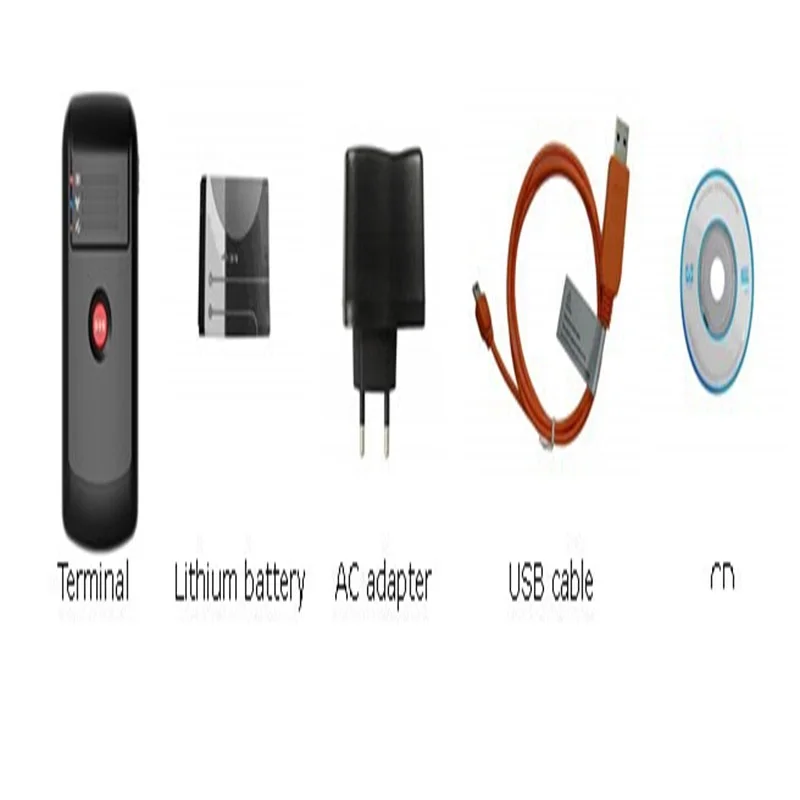
Package including:
MT-70 main unit with battery
Wall charger
USB Cable
CD


Смотрите так же другие товары: